How to Google Search from the terminal?
I am 17 years old and a young passionate and self-taught frontend web developer and have an intention to become a successful developer. I usually write about JavaScript and Web Development and share some tips in the articles.
As developers, we spend the majority of our time working with the terminal. The terminal is excellent at saving time and increasing productivity, such as when creating a file or performing complex tasks.
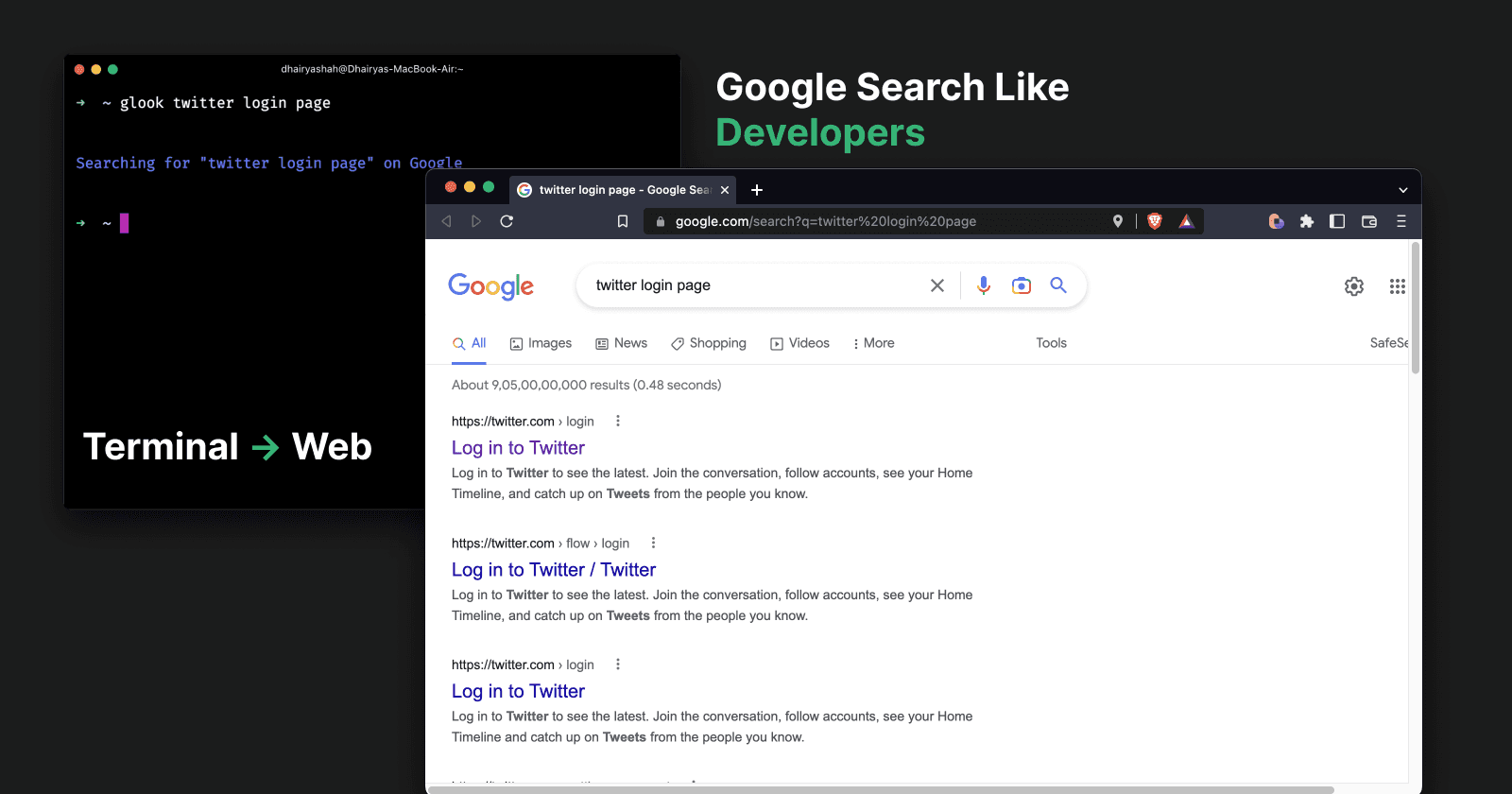
Have you wondered about searching Google directly from the terminal?
In this article, I will be showing you an easy and simple way to Google Search directly from the terminal.
Prerequisites
There isn't much on the prerequisites list :)
Let’s Google Search Like A Developer
Step: 1 Install an npm package
$ npm i -g glookStep 2: All things have been setup
$ glook SEARCH_TERM
Now, you can directly Google Search from the terminal.
For more information, visit glook.dhairyashah.dev
Thanks for reading
Follow me on Twitter
Thanks for reading!