How to use icons in Next.js

I am 17 years old and a young passionate and self-taught frontend web developer and have an intention to become a successful developer. I usually write about JavaScript and Web Development and share some tips in the articles.
Icons are an important and valuable component of a website/application. So, let's see how we can make use of icons in Next. js
We'll be using the React icons library, which is lightweight and fast and contains a plethora of different icons.
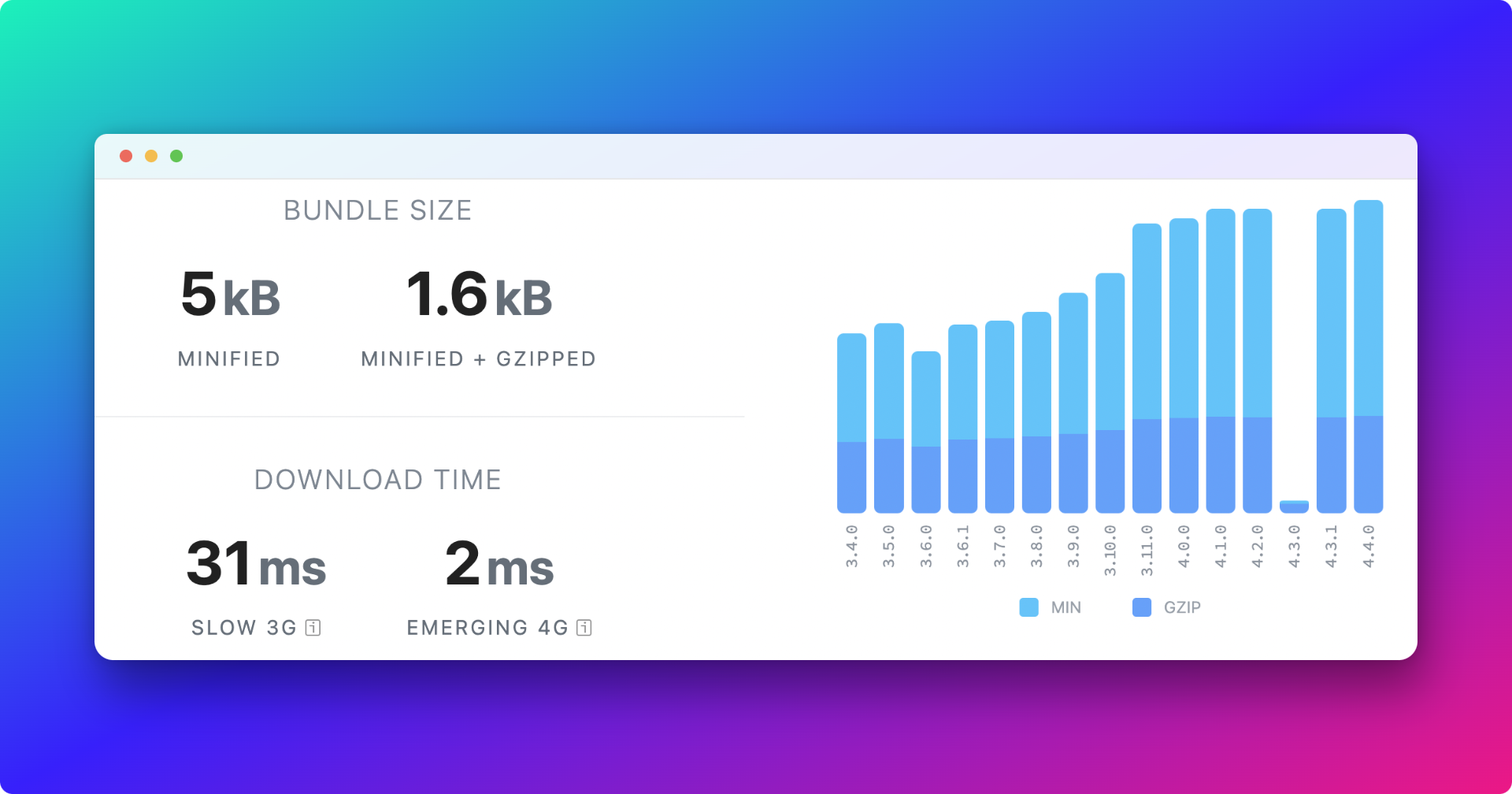
We first need in add the React icons package to our Next.js application,
npm install react-icons
After installing, head over to the React Icons Website with a list of icons.
import { TbChristmasTree } from "react-icons/tb";

<p>
  Plant trees <TbChristmasTree />
</p>
And that's how you add React icons in Next.js application.
Thank you for reading
Follow me on Twitter
Liked my content? Buy me a coffee to fuel my work. Thanks for reading!