How to deploy a website on Vercel
Published
•1 min read
D
I am 17 years old and a young passionate and self-taught frontend web developer and have an intention to become a successful developer. I usually write about JavaScript and Web Development and share some tips in the articles.
After completing development, it is critical to deploy a website. This enables users to access your website from any place.
In this article, I will guide you on an easy and simple way to deploy a website on Vercel.

Deploying to Vercel
- Visit Vercel.com and sign in to your account.
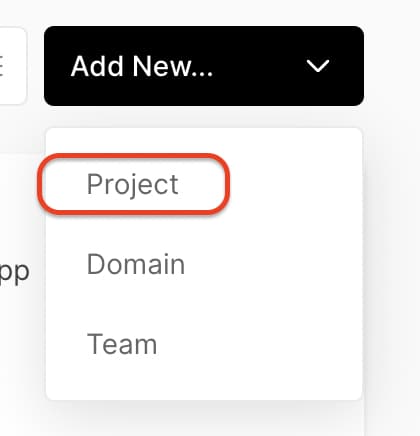
- Create a new project:
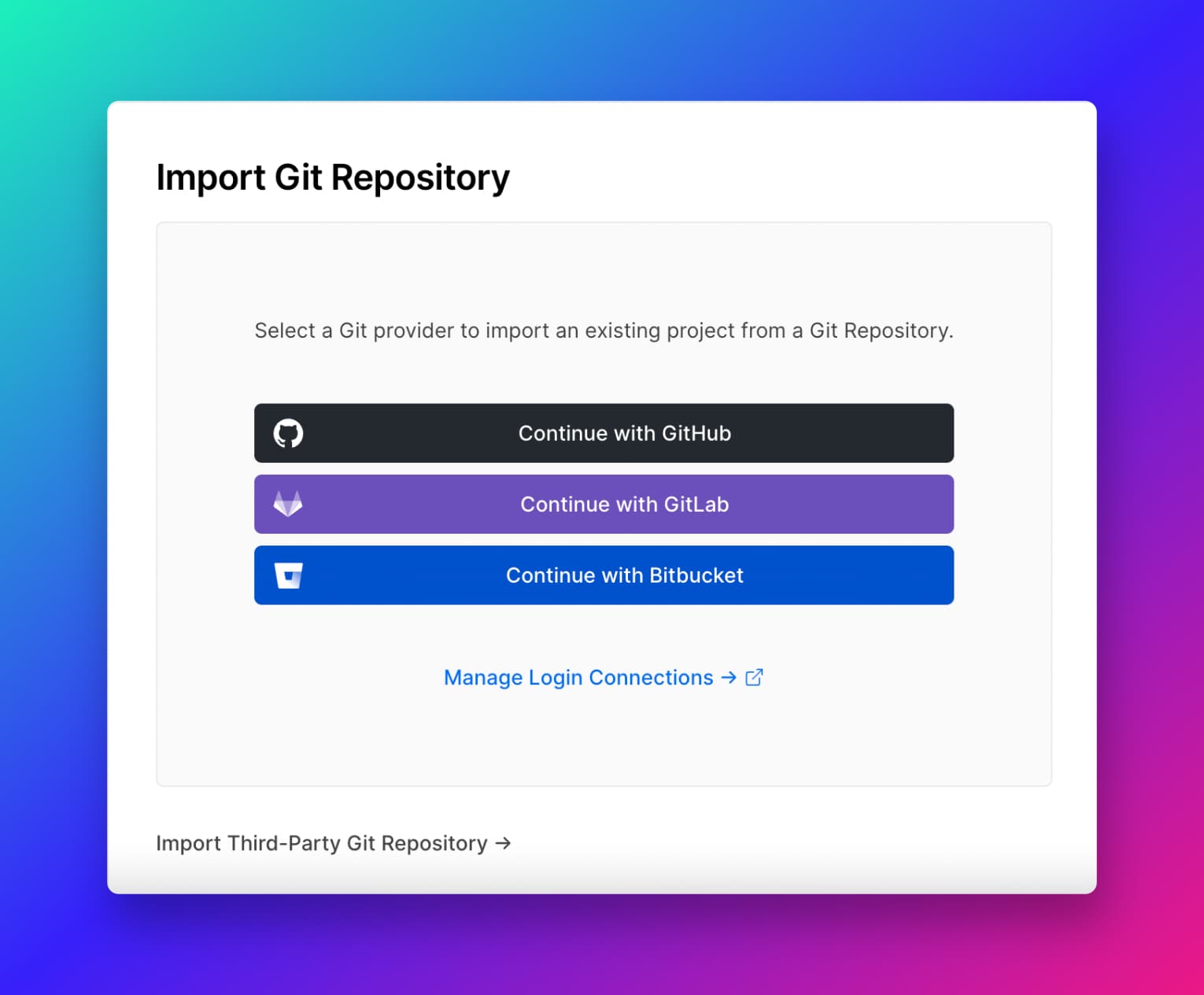
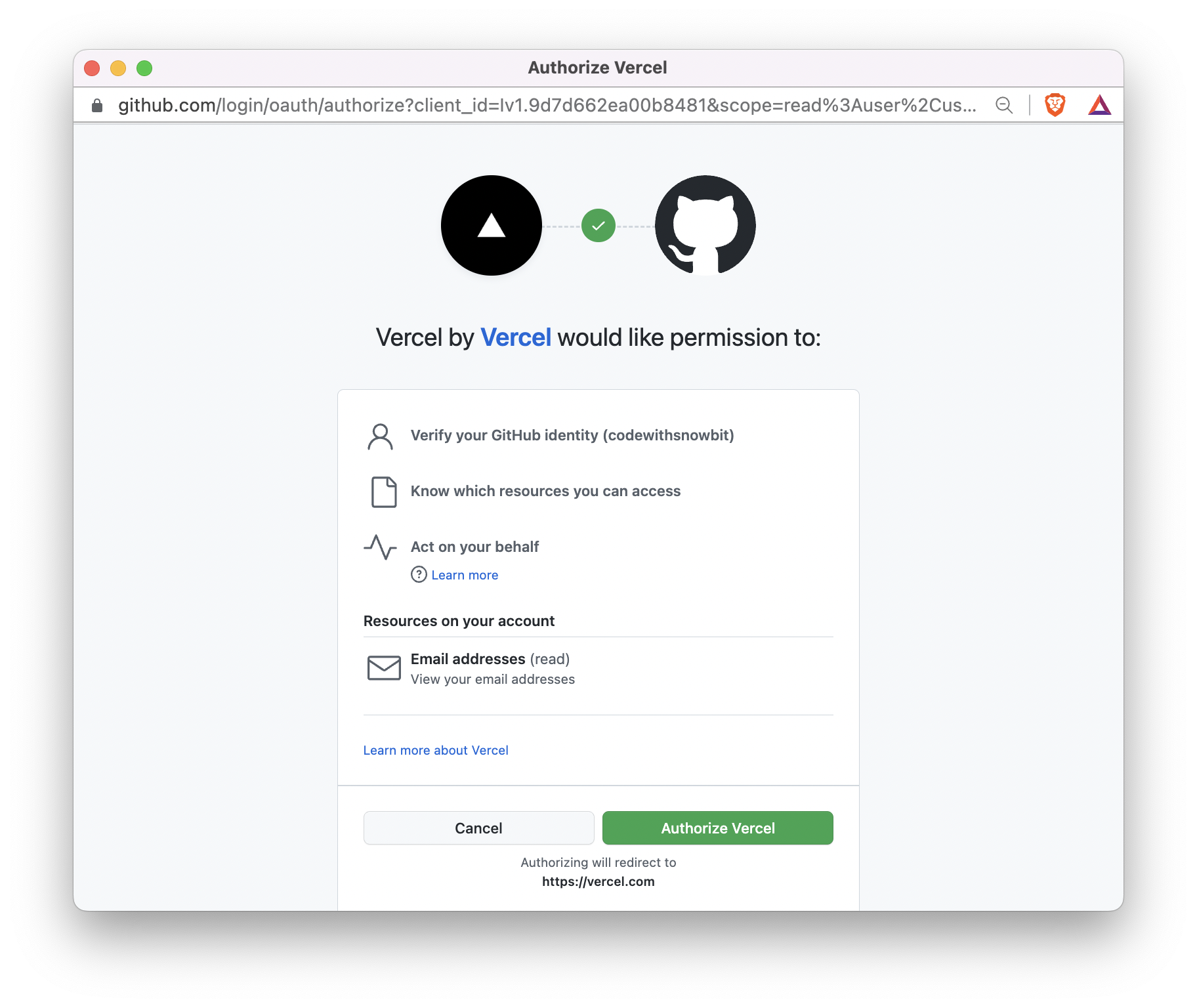
 Authorize GitHub to import a repository:
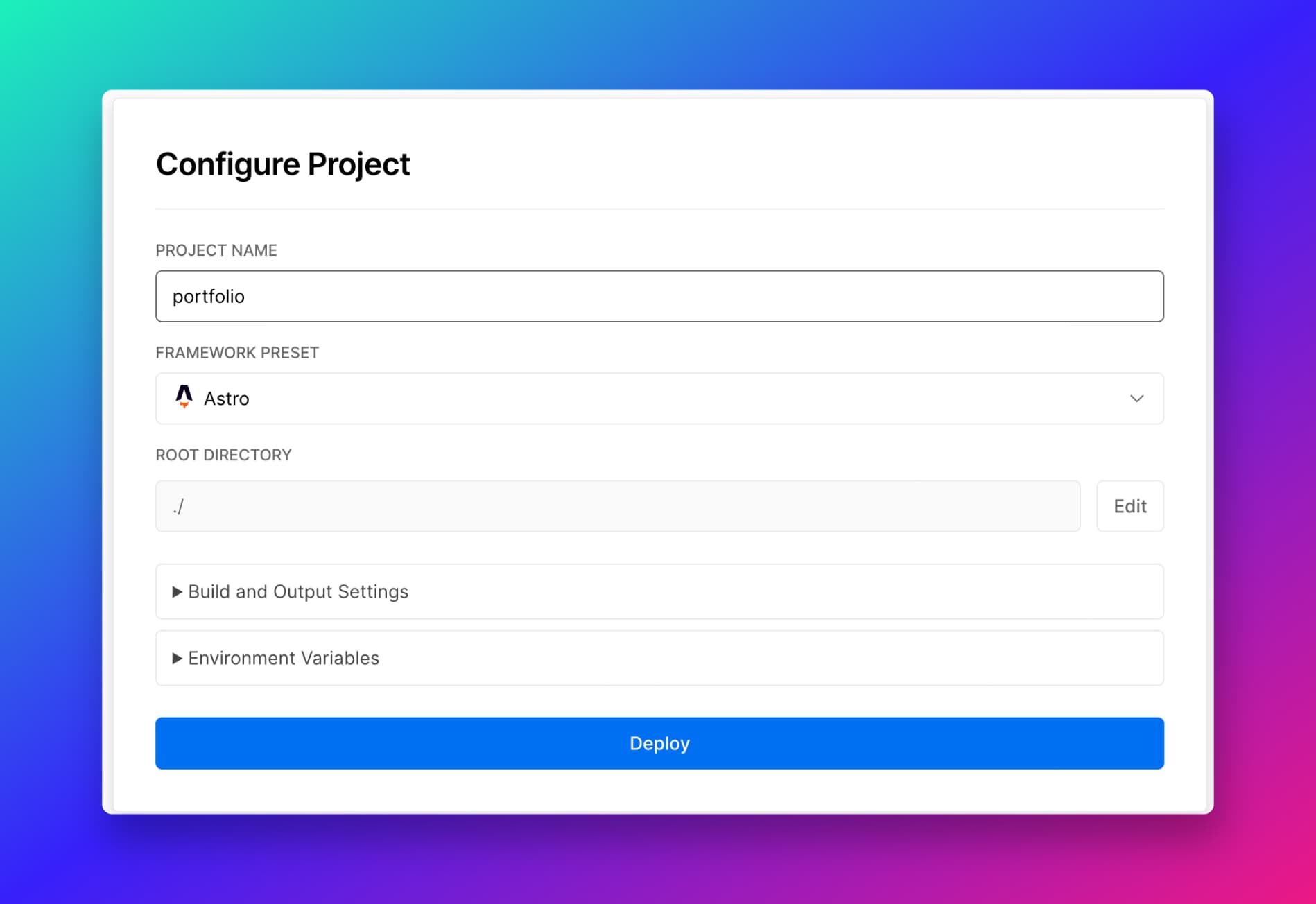
Import your repository to Vercel:

Deployment:
Click on deploy and your website will be available to everyone 🎉
You have successfully hosted a website on Vercel
Thanks for reading
Follow me on Twitter
Thanks for reading!