Create Claymorphism Using CSS
Published
•2 min read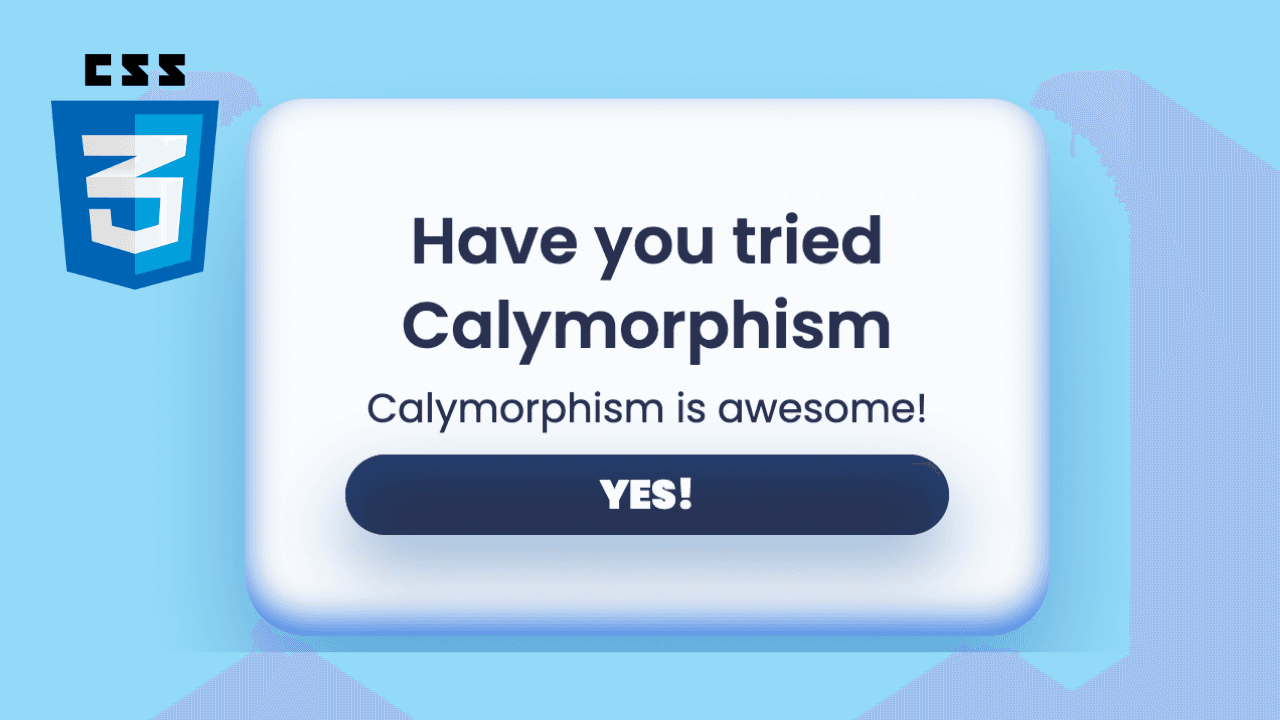
D
I am 17 years old and a young passionate and self-taught frontend web developer and have an intention to become a successful developer. I usually write about JavaScript and Web Development and share some tips in the articles.
Let's get started
Prerequisites for this project is very low and all our beginner friends can do; All we need is basic knowledge of HTML and CSS
In short, Claymorphism is:

Let's add some basic CSS and centre the content
* {
    box-sizing: border-box;
  }

  body {
      margin: 0;
      background: #a2e5ff;
      color: #2D3557;
      font-family: 'Poppins', sans-serif;
      display: flex;
      justify-content: center;
      align-items: center;
      min-height: 100vh;
  }
Note: Import Poppins fonts to your project
Now, it's time to create our card in the HTML file
<div class="card">
     <h2 class="card-title">Have you tried Calymorphism</h2>
     <p class="card-text">Calymorphism is awesome!</p>
     <div class="card-button">Yes!</div>
</div>
It's time to make it look beautiful 🌈
.card {
    width: 400px;
    padding: 50px;
    border-radius: 30px;
    background: #ffffff;
    text-align: center;
    box-shadow: 0 35px 68px 0 rgba(0, 94, 182, 0.42)
  }
  .card-title {
    font-size: 32px;
    margin: 0  0 8px 0;
    line-height: 1.3;
    font-weight: 600;
  }
  .card-text {
    font-size: 20px;
    margin: 0;
    line-height: 1.3;
  }
.card-button{
    font-size: 20px;
    font-weight: 900;
    margin-top: 10px;
    background: #2D3557;
    color: #ffffff;
    padding: 5px;
    border-radius: 30px;
    border: none;
    box-shadow: 0 17px 34px 0 rgba(0, 94, 182, 0.42);
    text-transform: uppercase;
    cursor: pointer;
  }
Tada 🎉 You created a card

Now, its time to transform it to Claymorphism
.card{
    ...
    box-shadow: 0 35px 68px 0 rgba(0, 94, 182, 0.42), inset 0 -8px 16px 0 #4688ec;
    ...
}
.card-button{
     ...
     box-shadow: 0 17px 34px 0 rgba(0, 94, 182, 0.42), inset 0 10px 26px 0 #24477c;
     ...
}
.card-button:hover{
    background: #2D3557;
    color: #ffffff;
    box-shadow: 0 17px 34px 0 rgba(0, 94, 182, 0.42), inset 0 20px 26px 0 #24477c;
  }
 You made it 🎉
Thank you for reading, have a nice day!
- Follow me on Twitter - @codewithsnowbit
- Subscribe me on YouTube - Code With SnowBit
256 views